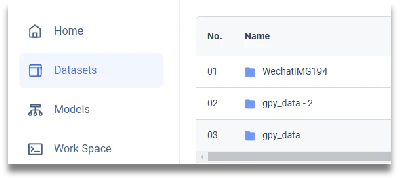
- From the dashboard, click [DATASETS] in the left menu, then click the dataset entry you want to update.
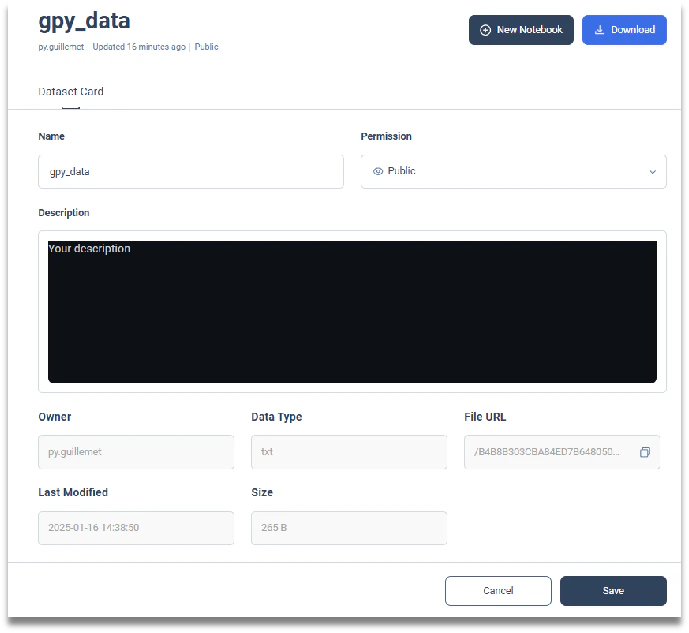
- On this page you can review detailed information such as: owner, data type, url to the file, last modified date and size of the data. You can then modify: the name, the access level (public, private), and its description to facilitate other user’s researches.
- You can update the description and visibility (public or private) of the data from the row directly. You can always change those later.