
- Go to the Zebrid homepage (https://www.zebrid.com/login) or click the [Sign In] button from the homepage.

- Then click the blue link “Forgot password” to be redirected to a reset password form.
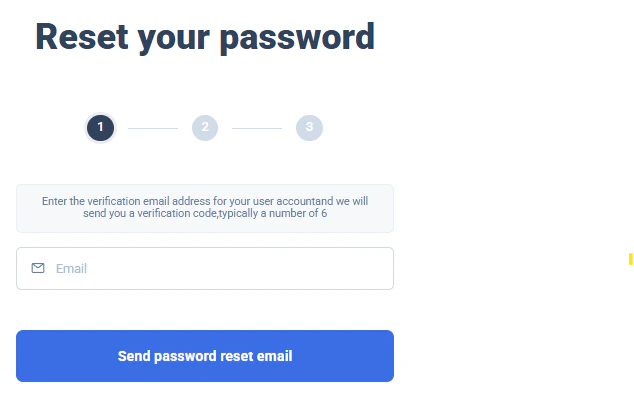
- Complete the step1 with your account email, you should then receive an email with a code:
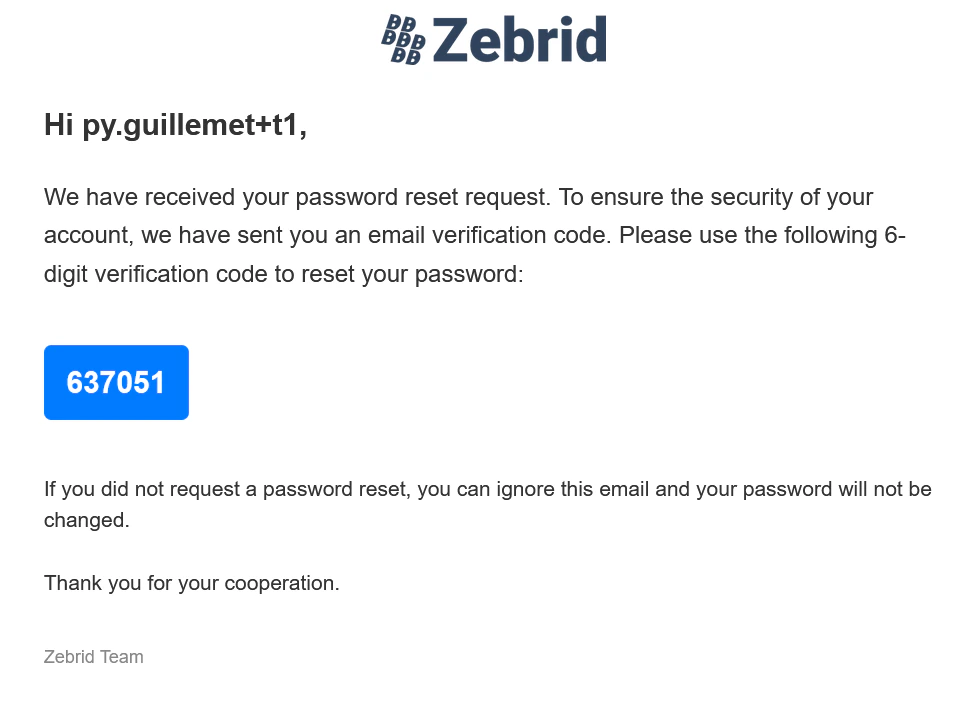
- Pass this code to the form’s in step 2, you should then see step 3 which ask for your new password:
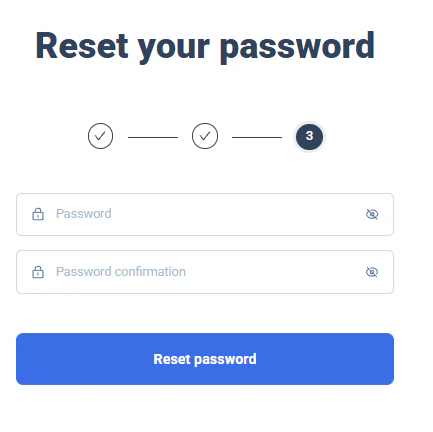
- If the reset is successfull you will be redirected to the login screen. And a toaster message will acknowledge the update.